---
title: "Advanced Settings for DBaaS available"
date: 2023-11-28
tags: ["New","DBaaS"]
url: https://changelog.exoscale.com/advanced-settings-for-dbaas-available/
---
# Advanced Settings for DBaaS available

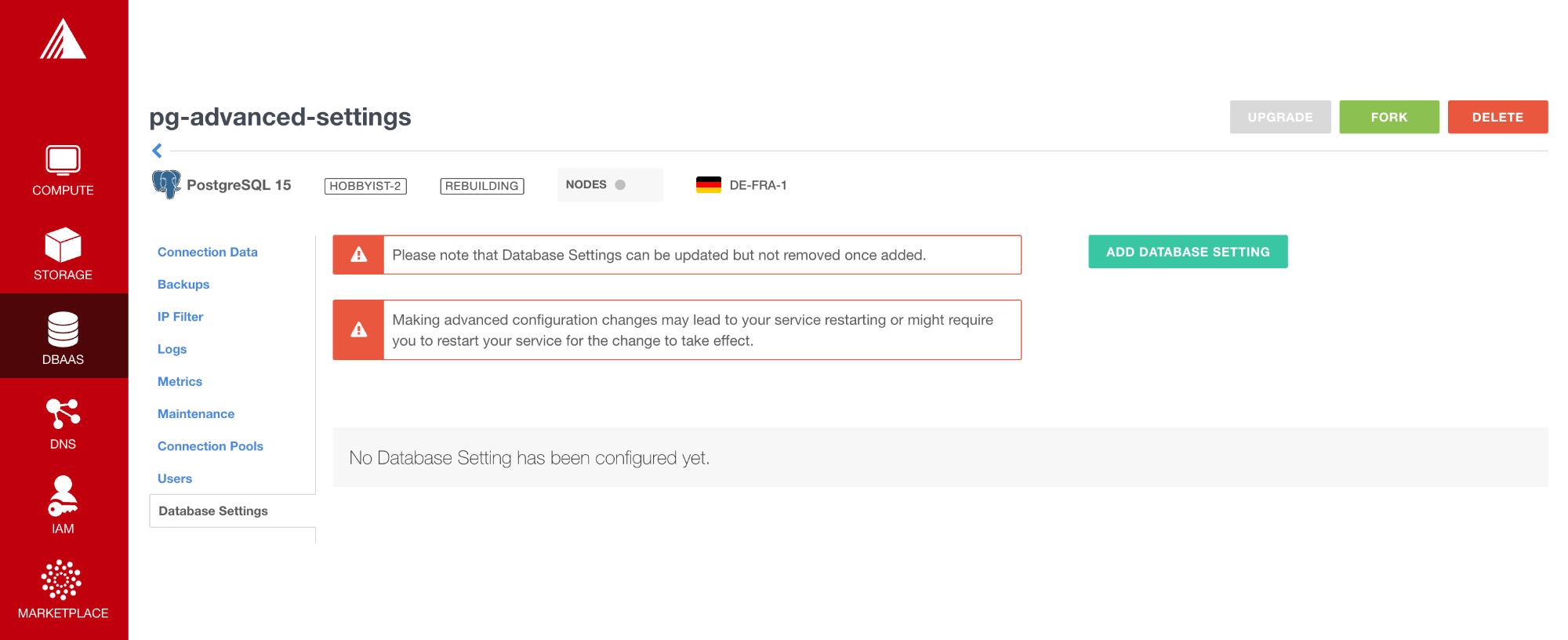
<p class="alignLeft">Our<b> DBaaS Services</b> now offer <b>advanced settings</b>. Within the configured database, you can now find a new tab "Database Settings" to configure your database service even further. With advanced settings you can for example enable the <span style="background-color: rgb(248, 248, 248); font-family: Consolas, Monaco, monospace; font-size: 13px; font-weight: 700; color: rgb(28, 30, 33);">slow_query_log</span> on MySQL or configure SSO authentication methods for your Grafana instances.</p><div class="medium-insert-images" style=""><figure class="">
    <img src="advanced-settings-for-dbaas-available-image-01.png" alt="Image #1" loading="lazy">
        
</figure></div><p class="">Advanced Settings are available for all database services: <a href="https://www.exoscale.com/dbaas/postgresql/" target="_blank" rel="noopener nofollow">Managed PostgreSQL</a>, <a href="https://www.exoscale.com/dbaas/mysql/" target="_blank" rel="noopener nofollow">Managed MySQL</a>, <a href="https://www.exoscale.com/dbaas/kafka/" target="_blank" rel="noopener nofollow">Managed Apache Kafka</a>, <a href="https://www.exoscale.com/dbaas/opensearch/" target="_blank" rel="noopener nofollow">Managed OpenSearch</a>, <a href="https://www.exoscale.com/dbaas/redis/" target="_blank" rel="noopener nofollow">Exoscale for Redis</a>, and <a href="https://www.exoscale.com/grafana/" target="_blank" rel="noopener nofollow">Managed Grafana</a>.</p><p class="">All advanced settings are available via <a href="https://portal.exoscale.com/dbaas/" target="_blank" rel="noopener nofollow">Portal</a> and <a href="https://openapi-v2.exoscale.com/group/endpoint-dbaas" target="_blank" rel="noopener nofollow">API</a>.</p>

[Get started with DBaaS](https://portal.exoscale.com/dbaas/) 

